
Azure Front Door Routing Rules Explained (Without the Confusion)
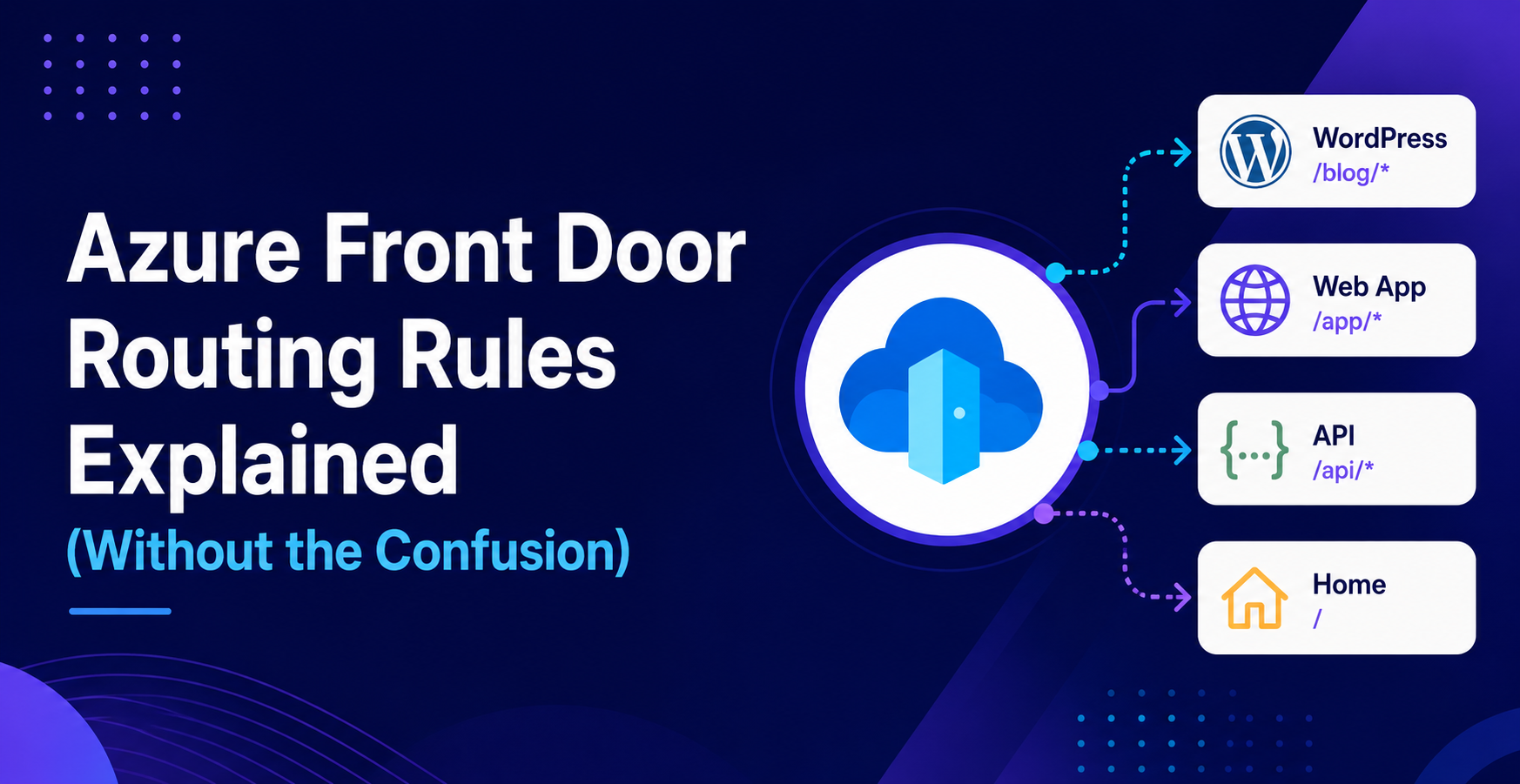
Azure Front Door routing looks simple on the surface. You define some paths, point them to origins, and you’re done.
At least that’s what I thought at the start.
But once you introduce multiple routes, rule sets, headers, and edge cases, things can get confusing really quickly. Routes don’t match the way you expect, rule sets don’t behave how you think they should, and suddenly traffic is going somewhere completely different.
In this blog, I’ll break down how Azure Front Door routing actually works in a simple way, based on real scenarios.
Routes vs Rule Sets
This is the biggest source of confusion.
Most people mix these two up, but they serve completely different purposes.
Routes
Routes are responsible for deciding where traffic goes.
They match based on:
- Domain
- Path
And then forward the request to an origin.
For example:
/api/*→ App Service/→ WordPress
That’s it. Routes are your entry point.
Rule Sets
Rule sets come after the route is matched.
They are responsible for modifying the request or response.
Things you can do in rule sets:
- Check headers
- Redirect requests
- Override routing
- Add or remove headers
Think of it this way:
- Routes decide where
- Rule sets decide how

How Routing Actually Works
To understand Front Door properly, you need to understand the order of execution.
Here’s what actually happens:
- Front Door receives the request
- It matches the request to a route based on path
- It applies the rule set attached to that route
- It forwards the request to the origin
That’s the flow.
If you don’t understand this order, debugging becomes very hard.

Route Matching Priority
Not all routes are equal.
Azure Front Door prioritizes more specific routes over generic ones.
For example:
/api/*/login/*
The correct order should always be:
/api/*/login/*
If you place /* first, it will catch everything and your other routes won’t even get hit.
This is one of the most common mistakes.

Header-Based Routing
This is where things get interesting.
Sometimes, routing based on path is not enough. You may want to route based on user state or request context.
For example:
- Logged-in users go to the app
- Non-logged-in users go to marketing
You can achieve this using headers.
In my case, I used a header like:
X-USER-AUTHENTICATED: true
Then in the rule set:
- If header exists → override route to App Service
- If not → keep default route
This allows you to dynamically control routing without changing URLs.

Common Mistakes
Here are some of the most common issues I’ve seen.
1. Wrong Route Order
Putting /* above more specific routes will break everything.
Always go from most specific to least specific.
2. Using Rule Sets Instead of Routes
If you’re trying to route based on path, use routes.
Rule sets are not meant to replace routing logic.
3. Missing Fallback Route
Always have a fallback like /*.
Without it, unmatched requests will result in errors.
4. Misunderstanding Execution Order
A lot of people assume rule sets run first.
They don’t.
Routes match first, then rule sets are applied.

Debugging Tips
When something doesn’t work, don’t guess. Check.
Here’s what I usually do:
- Use browser dev tools to inspect requests
- Check response headers
- Test specific paths directly
- Temporarily simplify routes to isolate issues
Sometimes, creating a temporary route just for testing helps a lot.

Key Takeaways
- Routes decide where traffic goes
- Rule sets modify behavior after matching
- Order of routes is critical
- Header-based routing is powerful when used correctly
- Understanding the execution flow makes everything easier
Final Thoughts
Azure Front Door routing is not complicated once you understand how it works, but the learning curve comes from how the pieces interact.
Once you get the mental model right, everything becomes predictable.
Always think in this order:
match → modify → forward
That simple flow will save you hours of debugging.